
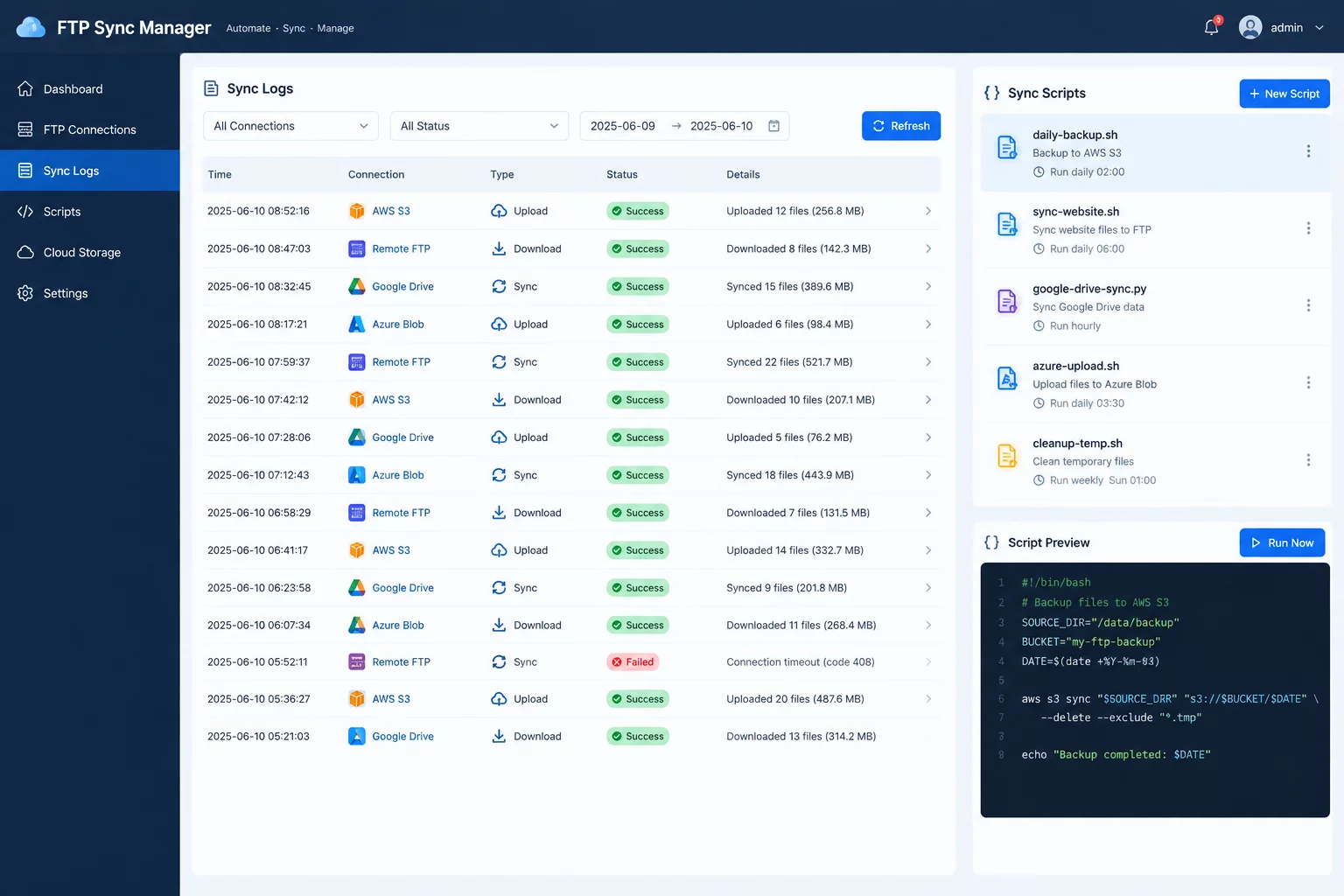
Enterprise file transfer workflows historically centered on manual desktop sessions where engineers dragged nested folders between split panes. Over recent releases, headless command-line interfaces and scripted automation APIs have redefined this operating model. Modern operations embed FileZilla Pro command utilities directly into automated daemon runners and continuous deployment workflows, establishing deterministic file transmission routines without human intervention.
Decoupling UI Operations into Headless Batch Daemons
The programmatic migration starts by stripping graphical display dependencies from transfer tasks. Automation engineers now call headless client binaries inside containerized workloads and cron schedules. Authentication configurations bypass legacy plaintext XML files, pulling ephemeral authentication tokens and secure SSH keys straight from runtime environment variables.
Directory structures are parsed before transfer queues initiate socket connections. Local manifests are compared against remote targets through automated hash checks, eliminating redundant byte transmissions while verifying that dropped transfer sessions trigger instant atomic rollbacks instead of leaving corrupt fragments in target directories.
- Headless background execution routines process batch transfer queues across isolated container workers.
- Dynamic delta comparison filters reconcile timestamp differences across local systems and cloud bucket namespaces.
- Granular exit code statuses supply orchestrators with actionable failure telemetry during socket timeout events.
Scripted file transmission transforms ad-hoc operations into reproducible system states. When automation scripts manage queue throughput headlessly, structural folder drift across remote environments ceases to exist.
Unified Protocol Abstraction Across Heterogeneous Cloud Buckets
Manual transfers frequently create server-side performance degradation when unmetered multi-threaded connections inundate receiving endpoints. Scripted automation frameworks overcome this liability by using structured bandwidth caps, staged concurrency slots, and progressive retry routines. Large media archives and production logs are scheduled during configured non-peak maintenance periods to preserve operational capacity.
Equally critical is protocol normalization. Rather than maintaining disparate CLI toolchains for SFTP endpoints, Amazon S3 buckets, Google Cloud Storage keys, and Microsoft Azure containers, unified batch commands handle transfer syntax through standardized verbs. Scripts parse hierarchical folder structures consistently across platforms, converting access control lists and nested permissions without customized script patches.
Automation Specifications and Architecture Inquiries
Command scripts inject credentials directly from container environment variables, SSH key agents, or identity secrets managers. Ephemeral session tokens are passed to command invocations without persisting cleartext passwords in static site definition files.
Batch synchronization routines write incomplete payloads to temporary staging filenames alongside chunked checksum logs. Upon reconnection, the automated runner checks existing block lengths and resumes binary byte streams from the registered checkpoint.
Yes. The underlying transfer subsystem abstracts endpoint protocol logic behind unified CLI parameter structures. A single batch routine can pull structured directories from an on-premises SFTP node and replicate them to Amazon S3 buckets within the same scheduled execution cycle.